

nolvik AI
Reply sent
“Can you change my winter tyres tomorrow?”
AI: We have free slots tomorrow at 9:00 and 13:00. Which one suits you?
Customer support
AI answers emails and chat questions. It passes difficult cases to a colleague.
We connect your inbox, documents and business software. When an enquiry arrives, AI can gather the details, draft a quote and send it to your team for approval.
Our team has delivered several end-to-end automation projects, from initial data capture through execution and monitoring.

Payment received
CESTA MLAKAR d.o.o. paid invoice 2026-114: €12,480.00
AI does the work and you get a notification on your phone. We start with what you need — including work beyond the areas below.
Automation for road hauliers
Reply sent
“Can you change my winter tyres tomorrow?”
AI: We have free slots tomorrow at 9:00 and 13:00. Which one suits you?
AI answers emails and chat questions. It passes difficult cases to a colleague.

AI writes and publishes posts and replies to comments and messages.
Campaign ready
Christmas offer for 1,240 subscribers. Send on Thursday at 7:00?
AI writes and sends email campaigns and prepares copy for ads and your website.
Press release ready
“We are opening a new tasting room” for 18 media outlets. Send it?
AI writes press releases, sends them to the media and tracks where you are mentioned.

Weekly report
Orders up 6% on last week. Material costs are 9% over plan.
AI prepares a weekly business report and alerts you when something is off.

Quote and contract ready
Inquiry for 40 cabinets: both drafts are waiting for your review. Due Friday.
AI drafts contracts, quotes and documents and reminds you of deadlines.
Show us a task you still do by hand. We’ll work through each step with you and propose a way to automate the whole process.
Tell us your idea
Track completed tasks, alerts and approval requests from one dashboard.
See when each task ran and what it produced.
You decide who reviews a contract or approves a reply before it goes to a customer.
We use APIs to connect your inbox, CRM and other tools you already use.
It does routine tasks on its own. For important ones, it waits for you.
AI keeps working while you are in a meeting, out on a job or at home.
Yesterday's report is in your inbox.
A customer gets an answer before you open your email.
A contract draft is waiting for your review.
The approved press release goes to the media.
The email campaign is sent to selected customers.
A customer's late-night question is answered.
Every company has email, customers, documents and numbers. We can automate that.

From the first transport order to the invoice.
Discuss your transport workflow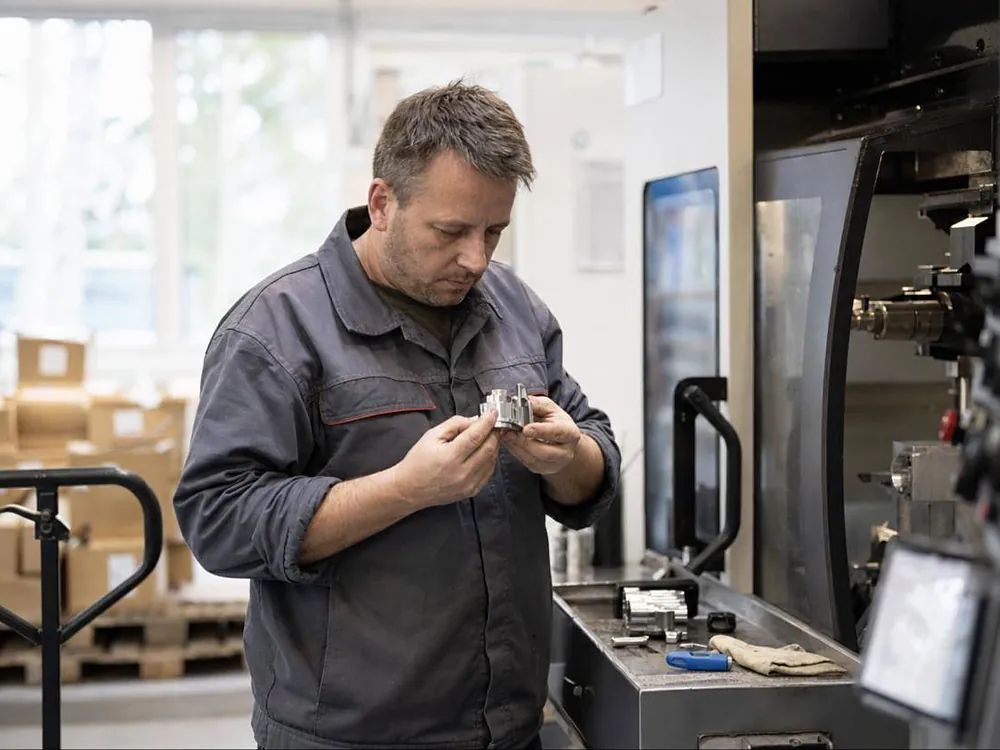
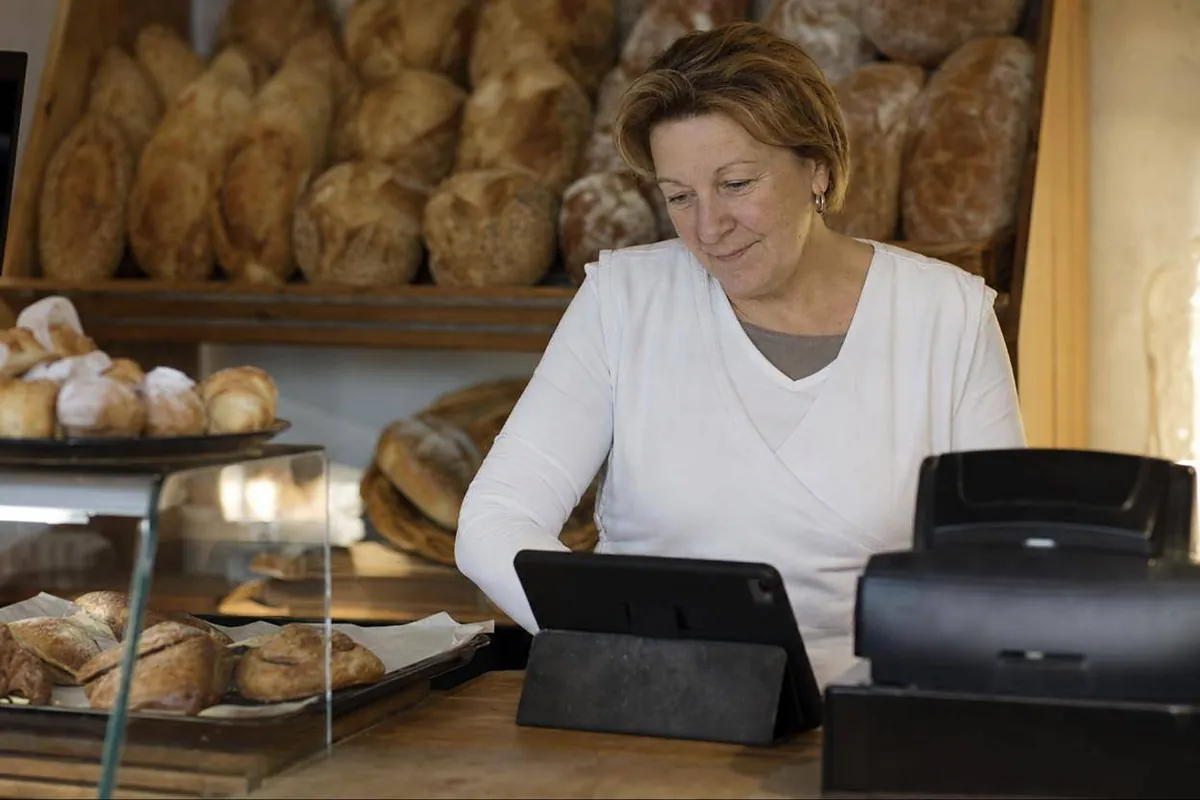
Inquiries, quotes, documentation

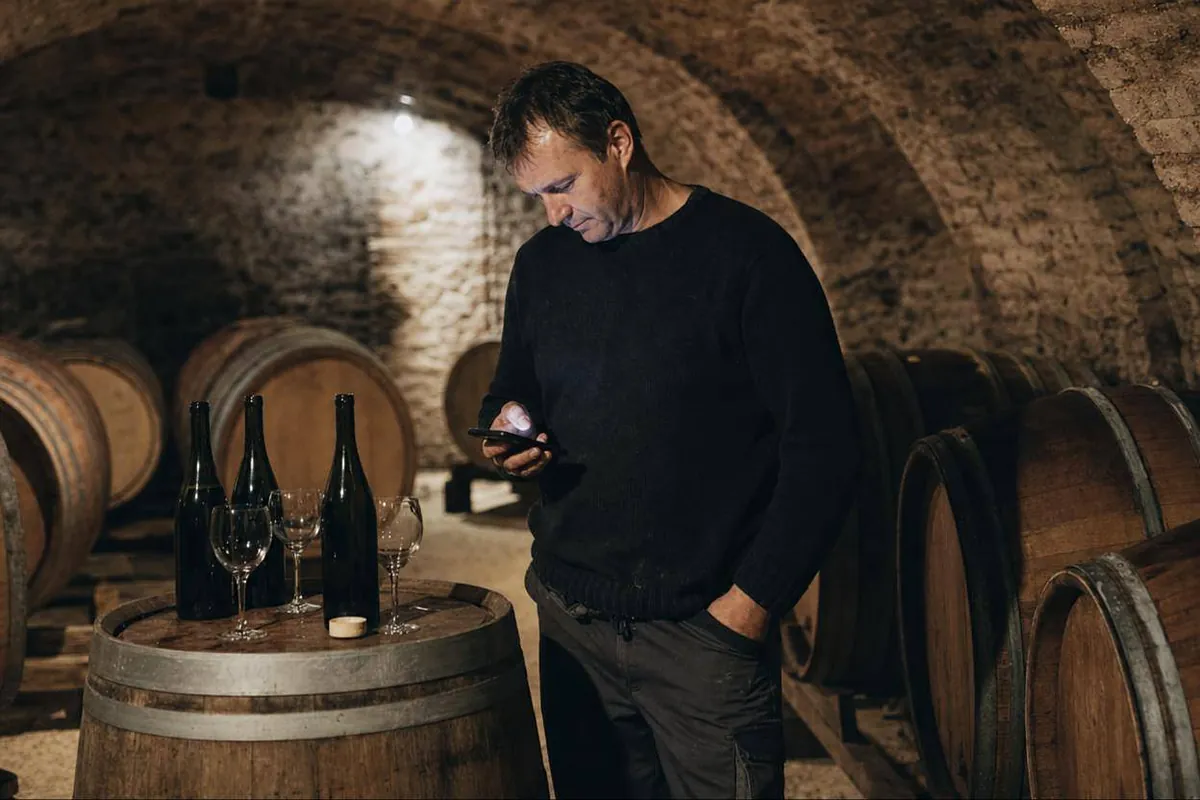
Customer questions, posts, campaigns

Bookings, guest reviews, posts

Inquiries, quotes, deadlines

Documents, deadlines, client replies

Appointments, reminders, client questions
Don’t see your industry here? Tell us what you do and what you’d like to automate.
We start with your team’s workflow, agree on the scope and test the system together before launch.
Call us or describe the task you want to automate.
Together we map the steps, tools and exceptions.
We set out the scope, timeline and price.
We connect your tools and test routine cases and exceptions using examples from your business.
We launch with your team and show them how to monitor the system.
You get the access, settings and documentation to run the system yourself.

You can change rules, add users and monitor the system in your own accounts. We can help with upgrades.
Enter your own numbers.
This is an estimate from your numbers. The first two months are the setup period. You get a more precise estimate in the offer.
Start with one area or with the whole company.
We automate the area that takes most of your time.
We automate 2 to 3 connected areas.
We connect automation across your company, built around your needs.
We price the work after our conversation, once we know what you need.
Send an inquiryTell us what you want to automate. We’ll review your process and tools, then propose a custom solution.
Yes. Every company has email, customers, quotes, reports and documents. We fit the system to your work.
The price depends on how many areas and tools we connect. We prepare an offer after a free conversation.
No. We teach your team everything it needs to work with the system.
You do. The accounts are in your name. At handover, you get all access, settings and manuals.
For every task we decide whether AI does it alone or waits for your approval. Press releases, contracts and sensitive replies wait for a person by default.
It depends on the scope. We state the timeline in the offer before you decide.
Your data stays in your accounts. When we process personal data, we sign a data processing agreement under the GDPR.
Yes. We keep supporting you with questions, fixes and new automations.
We talk about your business and what you need. Then we prepare an offer for you.
Or call us:
+386 41 519 269The conversation is free and without obligation.